
You have a Social Security record whether or not you’ve ever looked at it — decades of earnings, the taxes you’ve paid in, and the benefit estimates built on both. The only question is whether you’re the one with the login. Opening a personal my Social Security account takes a photo ID and roughly fifteen minutes, and it’s the difference between guessing about your retirement numbers and reading them off the page.

There’s also a defensive reason to do it, and to do it carefully. Your account is the front door to your earnings record and, eventually, your benefits. This guide walks through the safe way to set it up, what the identity checks will ask for, and the handful of rules that keep the account protecting you instead of exposing you.
What you’re actually signing up for
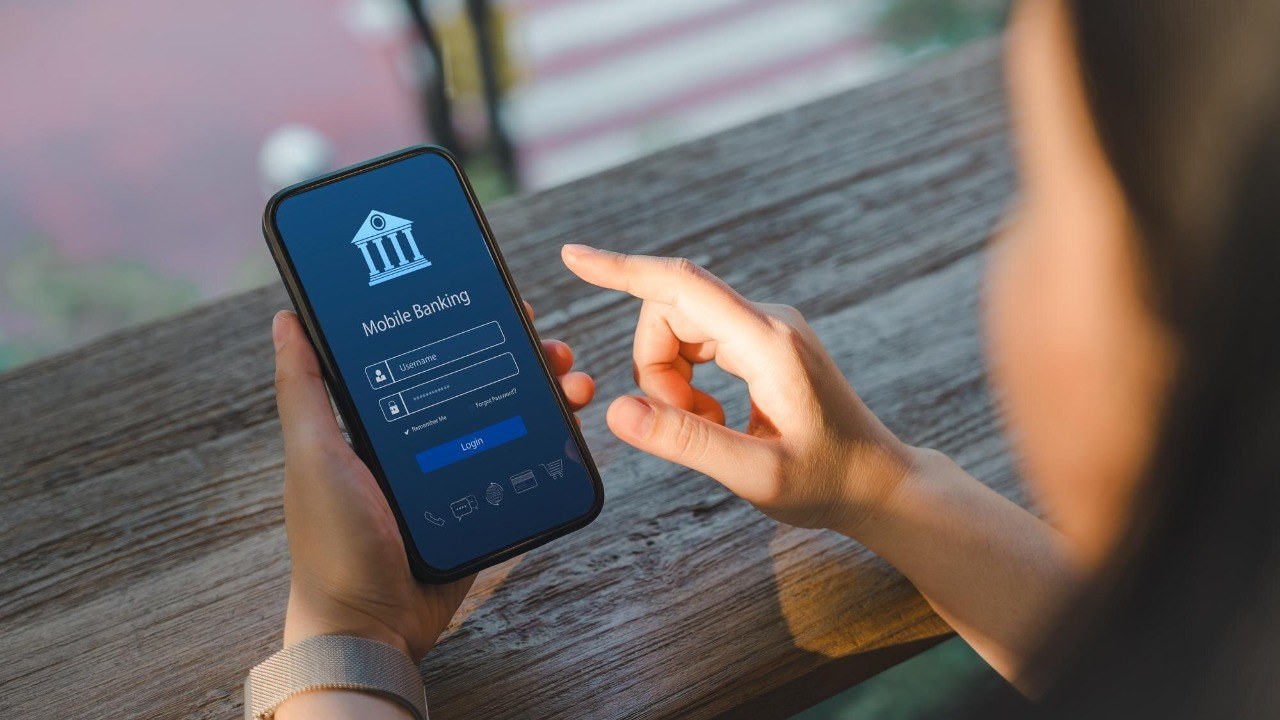
A my Social Security account is the Social Security Administration’s online portal for your own record. Before you receive benefits, it’s where you check that your earnings history is right — the history your future benefit is calculated from — and see personalized estimates of retirement, disability, and survivor benefits. Once you receive benefits, it’s where you get benefit verification letters, manage direct deposit, and handle much of the paperwork that used to require a phone call or an office visit. The starting point for all of it is ssa.gov/myaccount.
Step one: pick your credential — Login.gov or ID.me
You don’t create a password with Social Security directly anymore. Per SSA’s account-creation page, you sign in through one of two credential service providers: Login.gov, the government’s own single account for participating federal agencies, or ID.me, a private provider that meets federal identity-proofing standards. There’s no wrong choice. If you already use one of them — say, for the IRS or the VA — use the same credential here rather than creating a second one.
Two eligibility basics from the same page: you must be 18 or older and have a Social Security number. And if you created an old-style Social Security username and password years ago, it no longer works — SSA states that effective June 7, 2025, Login.gov and ID.me are the only sign-in options.
Step two: the identity check (this part is supposed to feel thorough)
Whichever provider you choose will verify that you are actually you. Expect to provide a valid email address, personal details, and — depending on the path — photos of your state ID or driver’s license and a selfie to match against it. This is the step people abandon, and it’s worth pushing through: the friction is the security. A credential that was easy to open would be just as easy for someone else to open in your name.
Do the signup on your own device, on your home network, by typing ssa.gov/myaccount into the browser yourself. Don’t start from a link in an email or text, no matter how official it looks — Social Security scams lean heavily on lookalike links, and typing the address sidesteps the whole trap. If you get stuck, SSA’s help page for account creation says to call 1-800-772-1213 for account assistance during business hours.
The rule people don’t know: one person, one account, no exceptions

Here’s the part of SSA’s policy that surprises families. Your account is for your exclusive use — SSA states plainly that no one may create or use an account on your behalf, even with your written or verbal permission. That means an adult child can’t set up Mom’s account “to help,” and a spouse shouldn’t be logging in as you. SSA warns that unauthorized use of someone else’s account is a misrepresentation of identity to the federal government and can carry criminal or civil penalties.
If a relative needs genuine help managing benefits, there are legitimate channels for that — but sharing a login isn’t one of them. Set up your own account, keep the credentials to yourself, and store them in a password manager or a written note kept somewhere secure, not taped to the monitor.
Why claiming your account is itself a defense
Think of your Social Security record like a mailbox with your name on it: better that you hold the key than leave it unclaimed. With your own verified credential in place, you can spot problems early — an earnings year that looks wrong, a change you didn’t make — because you’re actually looking at the record instead of waiting for a paper statement or, worse, a surprise. SSA describes the protections around the account on its security and protection page, and the two-step verification built into Login.gov and ID.me means a stolen password alone isn’t enough to get in.
After you’re in, make the first visit count. Pull up your earnings record and scan it year by year against your own memory or old tax returns. Missing or understated earnings shrink your future benefit, and the fix is far easier while you still have the W-2 in a drawer than twenty years later.
A quick word on what SSA will never do
No legitimate contact from Social Security will ask for your Login.gov or ID.me password, demand payment by gift card or wire to “protect” your number, or threaten arrest over the phone. If a call, text, or email pressures you around your account, hang up or delete it, then check the real account by typing the address yourself. The genuine article is boring, and that’s the point: fifteen minutes of setup, an annual look at your earnings record, and a login that nobody else — family included — ever touches.
This article was produced with AI assistance and reviewed by a human editor. Figures are linked to their primary sources; where a claim could not be verified from the public record, we say so.