Veterans are being told to treat unexpected VA texts, phone calls and QR codes with suspicion. In a fraud alert posted September 25, 2026, the Department of Veterans Affairs described phishing texts, AI-generated deepfake phone calls and malicious QR codes as tools used to get at sensitive information.
The VA also gave veterans a number to call if a payment looks wrong: 1-800-827-1000.
What kinds of scam messages is the VA describing?
The alert on VA News was written by Monica Rivera, chief of Benefits Delivery Protection and Remediation. It sorts phishing by how it reaches people. Smishing is a fraudulent text that looks authentic and pushes the reader to click a malicious link. Vishing is a voice call, and the VA says scammers now use “AI-generated deep-fake phone calls” that impersonate colleagues or organizations such as government agencies.
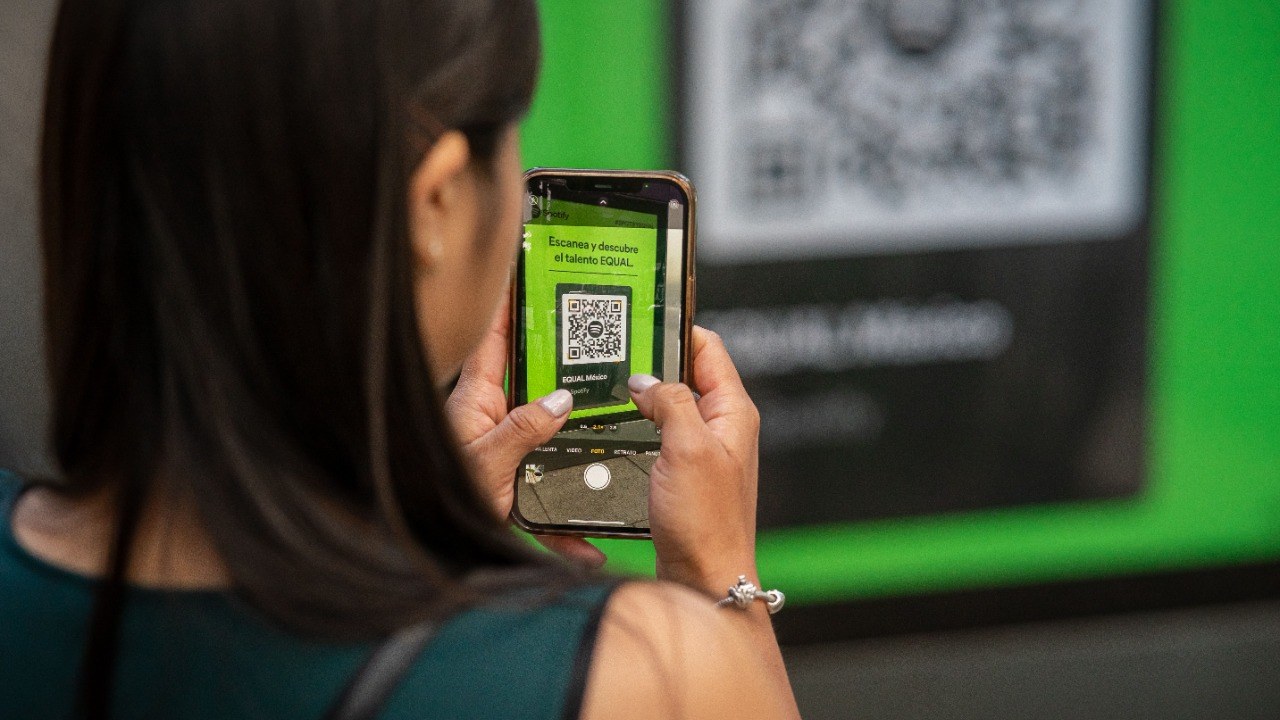
Quishing is the name for QR-code scams. The VA describes malicious Quick Response codes, the square barcodes scanned with a phone camera, placed in communications so they lead to fraudulent sites or harmful downloads. The alert also lists whaling, which is a personalized email aimed at a specific person, and “evil twin” Wi-Fi, a fake access point that copies a real network in a public place to capture logins.
What should a veteran do about a payment that looks wrong?
The VA’s instruction is direct. For a missed benefit payment, a direct deposit discrepancy or any suspicious activity, the alert says to contact VA right away at 1-800-827-1000. That is the VA’s payments line, and it is a safer route than any number in a text or voicemail.
For reporting fraud, the VA points veterans to VSAFE.gov or 1-833-38V-SAFE, which helps find the right agency. General questions go to ask.va.gov or 1-800-698-2411. The department’s main site, VA.gov, is the free official starting point.
What changed this year: Social Security and Medicare change every year, and nobody sends you a memo. The Retirement Money Brief breaks down what changed and what to do.
Get the Retirement Money Brief →
We may earn a commission from links on this page.
What are the warning signs?
The VA lists signs that a message is not what it claims to be:
- A fake or look-alike sender address or domain
- Misspelled web addresses or deceptive subdomains
- Poor grammar or odd punctuation
- A request for a username, password, card number or Social Security number
- A generic greeting such as “Dear Customer”
- Urgent threats, such as a locked account or money owed
Its protective advice is to verify the sender before clicking, hover over a link to confirm the address is real and starts with https://, and never share passwords or sensitive details by email or chat. The VA also recommends turning on multi-factor authentication where it is offered and checking accounts for unauthorized transactions or logins.
The alert adds that suspicious messages can be reported with an email program’s own button, such as Report Phishing, Report Spam or Report Junk. It says to confirm any request by contacting the company or sender through a different channel than the one the message came in on. Keeping the browser and security software updated, blocking pop-ups and never clicking links inside them rounds out the list.
Is the VA the only agency being imitated?
No. The Social Security Administration told community partners on September 16, 2026, in a scam awareness update, that scammers impersonate government offices and threaten loss of benefits. Veterans who also receive Social Security face both kinds of message.
The common thread is pressure. A message that threatens a lost payment or a locked account, and asks for a quick reply, is built to stop the reader from checking. The open question for veterans is how to verify in the moment, and the VA’s answer is to hang up or ignore the message and contact the agency through a number it has published.
Got a VA text?
A veteran who tapped a link in a fake VA text or scanned a bad QR code may have handed over a login, a Social Security number or direct deposit details. New credit opened in that name can show up months later.
The Senior Fraud Defense & First-Hour Recovery Kit includes the free credit-freeze steps, which block new accounts from being opened in a veteran’s name. It also has a first-hour recovery plan and a fraud evidence and report log to record the message, the number and the date before calling the VA.
Get the fraud kit’s credit-freeze steps and report log for a fake VA message →
More Financial Reading
- 21 Ways to Stretch a $2,087 Social Security Check
- 15 Places to Find Your Share of the $4.25 Billion States Give Back
- 15 Ways Retirees Are Tapping a Record $14.9 Trillion in Home Equity
This article was produced with AI assistance and edited for accuracy against the sources linked above.